When you use a regular Linux desktop distribution this might work out of the box as all the necessary parts are still there but when using a more individual distribution there might be certain hiccups or things to know. I won’t go through every available more manual option but the steps it required me on Exherbo to get things setup like they are appear to be currently expected by Steam.
Wireless Dongle
It is bascially just a regular USB WiFi dongle and requires the correspondent kernel drivers for WiFi and the device itself to be present.
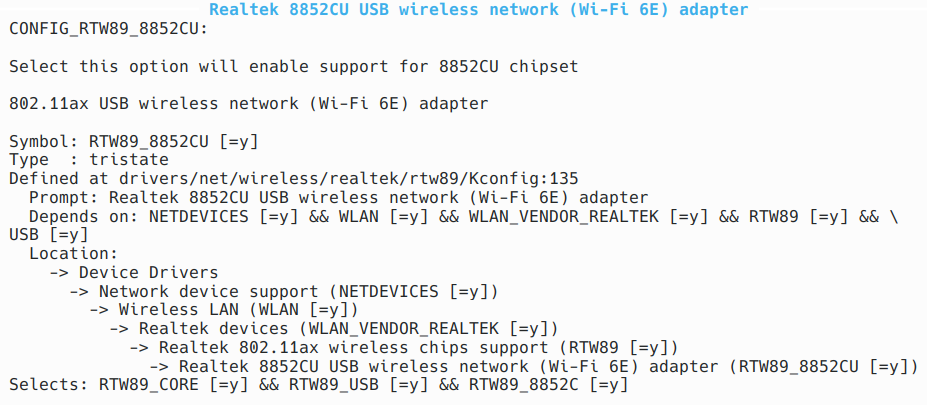
[ 6698.693191] usb 4-3: new SuperSpeed USB device number 4 using xhci_hcd
[ 6698.704056] usb 4-3: New USB device found, idVendor=28de, idProduct=2432, bcdDevice= 0.00
[ 6698.704293] usb 4-3: New USB device strings: Mfr=1, Product=2, SerialNumber=3
[ 6698.704296] usb 4-3: Product: 802.11ax WLAN Adapter
[ 6698.704299] usb 4-3: Manufacturer: Realtek
[ 6698.704302] usb 4-3: SerialNumber: xxxxxxxxxxxx
[ 6698.705545] rtw89_8852cu 4-3:1.0: loaded firmware rtw89/rtw8852c_fw-2.bin
[ 6698.705560] rtw89_8852cu 4-3:1.0: 2.4 GHz performance may be better in a USB 2 port
[ 6698.714679] rtw89_8852cu 4-3:1.0: Firmware version 0.27.129.4 (3f1a5302), cmd version 0, type 1
[ 6698.714684] rtw89_8852cu 4-3:1.0: Firmware version 0.27.129.4 (3f1a5302), cmd version 0, type 3
[ 6699.016582] rtw89_8852cu 4-3:1.0: Firmware element BB version: 00 28 00 00
[ 6699.016606] rtw89_8852cu 4-3:1.0: Firmware element radio A version: 00 63 00 00
[ 6699.016625] rtw89_8852cu 4-3:1.0: Firmware element NCTL version: 00 11 00 00
[ 6699.016671] rtw89_8852cu 4-3:1.0: Firmware element TXPWR version: 00 82 00 00
[ 6699.016674] rtw89_8852cu 4-3:1.0: Firmware element PWR_TRK version: 00 26 00 00
[ 6699.016680] rtw89_8852cu 4-3:1.0: Firmware element REGD version: 00 49 00 3c
[ 6699.017099] rtw89_8852cu 4-3:1.0: chip info CID: 0, CV: 1, AID: 0, ACV: 0, RFE: 1
[ 6699.019539] rtw89_8852cu 4-3:1.0: rfkill hardware state changed to enable
[ 6699.037644] rtw89_8852cu 4-3:1.0 wlp42s0f3u3: renamed from wlan0
wireless-regdb
Is required to set your countries regulatory rules, iw allows you to inspect things. If things are not set up correctly you’ll get something like:
# iw reg get
global
country 00: DFS-UNSET
Note: At this point the device pairing might work already but NOT the actual connection as long as this is not set up properly.
I’ve configured my kernel to also include the database, as I’m not using an initrd and the driver is also directly compiled in, so my kernel .config has:
CONFIG_EXTRA_FIRMWARE="regulatory.db regulatory.db.p7s"And then I tell grub to pass the required country parameter to the kernel command line by editing /etc/default/grub:
GRUB_CMDLINE_LINUX_DEFAULT="cfg80211.ieee80211_regdom=DE"So after a reboot you can check dmesg:
[    0.043985] Kernel command line: BOOT_IMAGE=/vmlinuz-7.2.7 root=/dev/nvme0n1p4 ro root=PARTUUID=xxx-xxx-xxx-xxx-xxx cfg80211.ieee80211_regdom=DE
[...]
[    1.624999] Loading compiled-in X.509 certificates
[    1.630233] cfg80211: Loading compiled-in X.509 certificates for regulatory database
[    1.630771] Loaded X.509 cert 'sforshee: 00b28ddf47aef9cea7'
[    1.631157] Loaded X.509 cert 'wens: 61c038651aabdcf94bd0ac7ff06c7248db18c600'
And finally see if things are correctly set up now:
# iw reg get
global
country DE: DFS-ETSI
NetworkManager
Steam currently appears to expect NetworkManager with the wpa_supplicant backend enabled to automatically configure stuff. Once Steam is launched it’ll ask for permissions to set up a wireless connection and once SteamVR is started and the pairing from within the Steam Frame succeeded the connection should be established and look like:
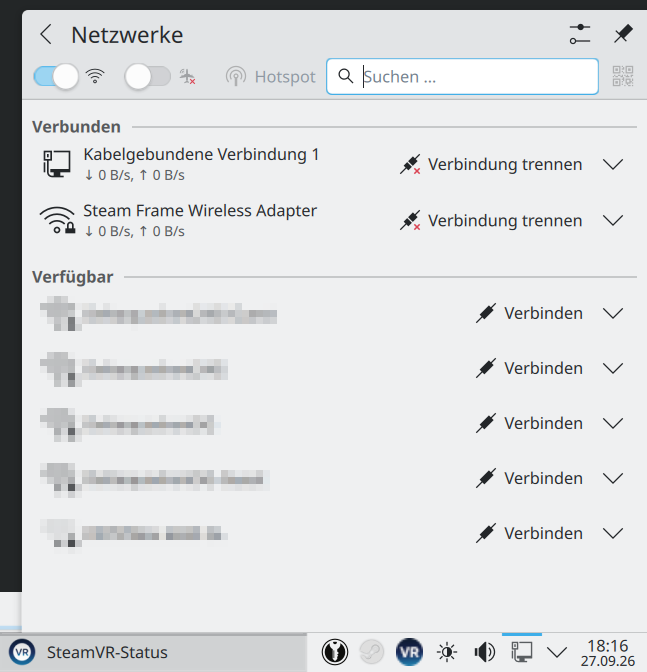
$ nmcli connection show
NAME                          UUID             TYPE      DEVICE
Kabelgebundene Verbindung 1   xxx-xxx-xxx-xxx  ethernet  enp39s0
Steam Frame Wireless Adapter  xxx-xxx-xxx-xxx  wifi      wlp42s0f3u3
lo                            xxx-xxx-xxx-xxx  loopback  lo
$ nmcli
wlp42s0f3u3: connected to Steam Frame Wireless Adapter
"Valve Software 802.11ax"
wifi (rtw89_8852cu), XX:XX:XX:XX:XX:XX, hw, mtu 1500
inet4 10.35.78.26/24
route4 10.35.78.0/24 metric 600
inet6 fe80::3bba:6bc8:2881:4d62/64
route6 fe80::/64 metric 1024Update 09/29/2026: Valve released a small troubleshooting script frame-dongle-troubleshoot.sh
SteamVR
Note: If you’re on Steam client beta you have to disable the experimental SteamRT3-Client

as it currently doesn’t work with SteamVR yet: https://github.com/ValveSoftware/SteamVR-for-Linux/issues/936.
Note: You currently have to manually start SteamVR before streaming any game, supposed to be fixed soon: https://github.com/ValveSoftware/SteamVR-for-Linux/issues/962
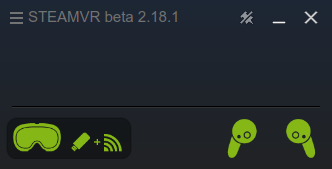
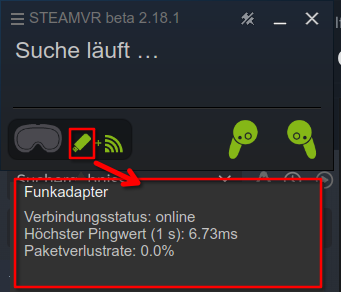
It took me quite some time to get at least the dongle working properly on my system, so I hope this information is also useful to others.
Remaining VR problems (unrelated to the Wireless Dongle)
With this I was able to stream my desktop and basically VR games, however when streaming a game the VR controllers don’t appear to be passed to the streamed game so I was unable to actually play something properly, tested with Arizona Sunshine VR Remake and Arizona Sunshine VR 2.
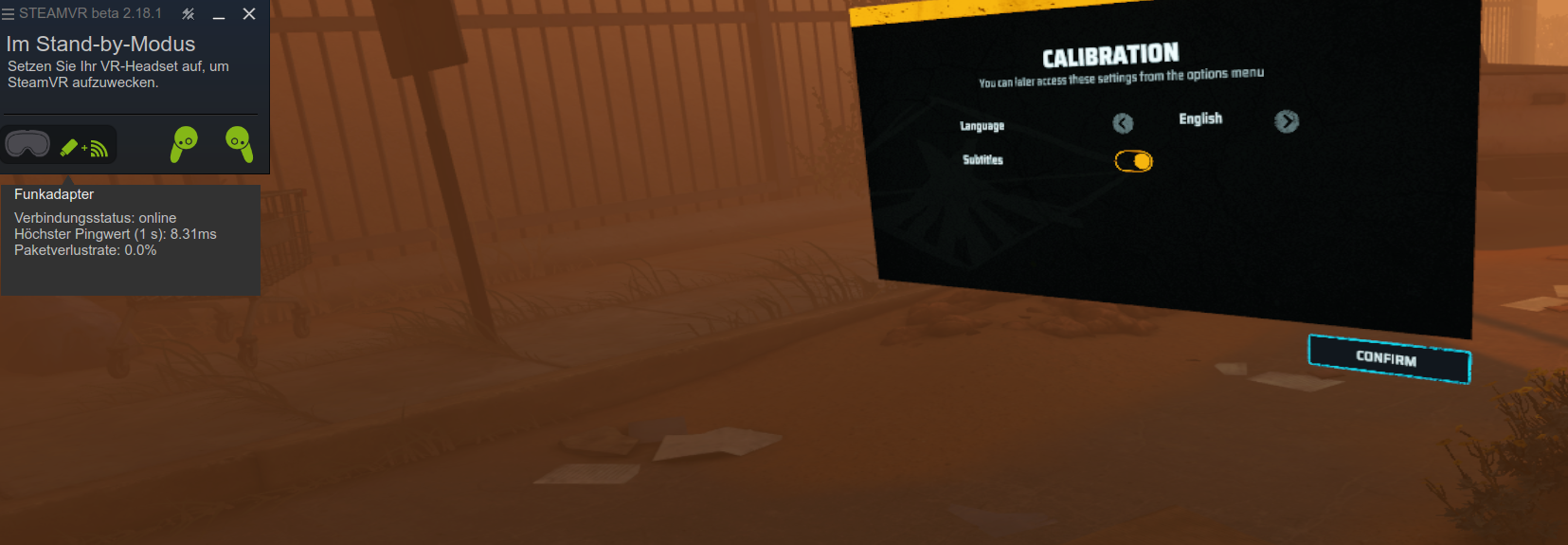
Also when trying to stream the game The Midnight Walk it always defaults to the 2D version of the game no matter which start option I choose.
Update 10/03/2026: Looks like it is a problem when sunshine streaming service is running as well, probably because it emulates certain controller inputs? At least when I first stopped the sunshine service things were working correctly for me today with all three games streaming without any obvious problem and working input.